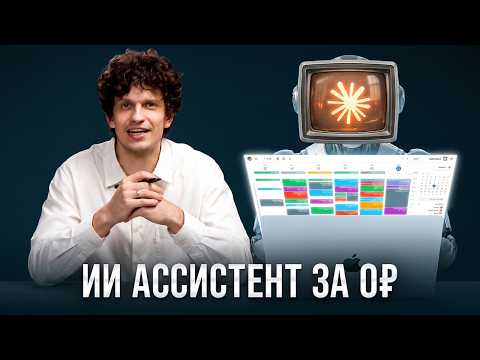
Actually: Setting up Claude Projects with Notion and Google Calendar connectors for voice-controlled task management.
🔎 What’s inside
⚡ The gist in 30 seconds
- Use Claude Projects to maintain a persistent memory of your business structure, team roles, and goals. This prevents the AI from losing context over time, which is the main failure point of standard chat interfaces.
- Connect Claude directly to Notion and Google Calendar via the built-in Connectors menu. This allows the AI to read your schedule and write tasks directly into your workspace without manual data entry.
- Manage your daily workflow through voice messages instead of typing. Dictate your morning plans to receive a prioritized list and provide evening updates to have the AI automatically check off completed tasks in Notion.
- Automate meeting follow-ups by uploading transcripts to your project. The AI can extract action items from recorded calls and distribute them into the correct project folders in your Notion database.
⏱ Key moments click — the video jumps there
💰 Numbers
| Team size | 15 people (author's claim) |
| Instagram followers | 1.3 million (shown on screen) |
| Business club members | 5,888 (shown on screen) |
| Estimated human assistant cost | 30,000 - 50,000 rubles/month (author's claim) |
| Productivity increase | +100% (author's claim) |
🛠 Tools from the video
🚀 How to apply it in your business
- Enable Notion and Google Calendar connectors in your Claude settings menu.
- Create a Claude Project and upload a document describing your business directions and team roles.
- Record a voice message explaining your current priorities and ask Claude to create a task table in Notion.
- Use voice messages every morning to ask 'What are my key tasks for today?' based on your Notion data.
- Upload transcripts of team meetings to the project to automate task extraction and assignment.
Who will this analysis save an hour?We’ll send the link with the “actually” takeaway — they won’t have to watch the whole video.
🎯 Who it’s for
❓ Questions and answers
How can I use an AI assistant for my business?
You can set up Claude as a business assistant by connecting it to Notion and Google Calendar. By creating a 'Project' and providing it with your business context, it can manage tasks, prioritize your day, and update your schedule based on voice commands.
Can Claude update my Notion tasks automatically?
Yes, using the 'Connectors' feature, Claude can directly read from and write to your Notion workspace. It can create new pages, update task statuses in tables, and organize information into project folders.
How to automate meeting minutes using AI?
Record your meeting and transcribe it using a tool like Bukvitsa. Upload the transcript to your Claude Project and ask the AI to extract tasks and deadlines, then sync them directly to your Notion task manager.
Is Claude better than ChatGPT for task management?
The author prefers Claude because its 'Projects' feature allows for much larger context windows and more persistent memory. It also integrates more smoothly with Notion and Google Calendar through built-in connectors.